
If you’ve spent even ten minutes researching how to build a business website, you’ve probably hit the same wall we did with almost every client at ZAQ Tech: everyone has an opinion, and half of them contradict each other.
Some developers swear by WordPress. Others insist hand-coded HTML is the only “real” way to build fast, secure sites. Neither camp is lying to you — they’re just answering a different question than the one you’re actually asking.
Here’s our promise: by the end of this guide, you’ll know exactly which platform fits your business, not some generic “best practice” that ignores your budget, your team, and your growth plans. We’ll walk through cost, speed, SEO, security, and a factor almost nobody is talking about yet — how visible your site is to AI search engines like ChatGPT, Gemini, and Perplexity.
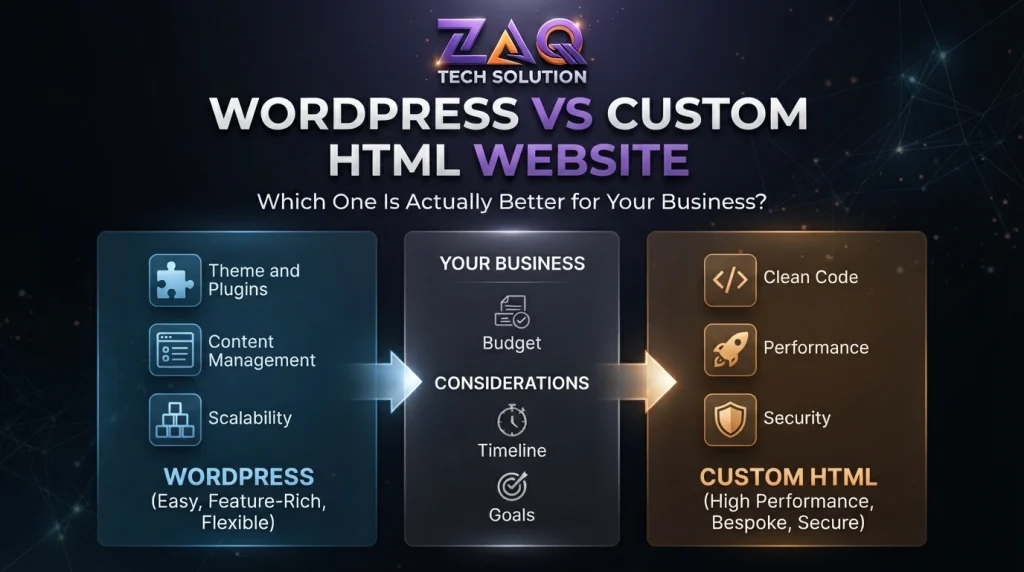
WordPress is better for content-heavy businesses that publish often, need non-technical editing, or run online stores. Custom HTML is better for small, speed-critical, security-sensitive sites (typically 5–15 pages) where every millisecond and every line of code matters. Neither is “better” in the abstract — the right choice depends on how you plan to use and update your site.
We’ve built and maintained both types of websites for clients across Pakistan since 2017, so this isn’t theory — it’s what we see break, scale, and succeed in the real world.
What Is WordPress vs Custom HTML?
What is WordPress?
WordPress is a content management system (CMS) — software that lets you create, edit, and publish web pages through a visual dashboard, without writing code. It powers over 40% of all websites globally, using themes, plugins, and a database to generate pages dynamically.
What is a Custom HTML website?
A custom HTML website is built from raw HTML, CSS, and JavaScript files, hand-coded by a developer with no CMS layer in between. Each page is a static file that loads directly, without querying a database first.
The core difference in one sentence
WordPress generates your pages dynamically from a database every time someone visits (unless cached); a custom HTML site simply serves pre-built files — which is the root cause of nearly every difference in speed, cost, and control you’ll read about below.
WordPress vs Custom HTML Website: Side-by-Side Comparison Table
| Factor | WordPress | Custom HTML Website |
| Setup time | 1–2 weeks (theme + plugins) | 2–4 weeks (hand-coded) |
| Editing content | Non-technical, dashboard-based | Requires a developer |
| Average load speed | 2.5–5 seconds (unoptimized) | Under 1–2 seconds |
| Upfront cost | Lower to moderate | Moderate to higher |
| 3-year maintenance cost | Higher (plugins, updates, hosting) | Lower (minimal upkeep) |
| SEO control | Excellent, with plugin support | Excellent, fully manual |
| Security risk | Higher (plugin vulnerabilities) | Lower (smaller attack surface) |
| Scalability | High (blogs, stores, portals) | Best for smaller, fixed sites |
| AI/GEO readability | Depends on theme — can be poor | Naturally clean and crawlable |
| Best for | 10+ pages, frequent updates, e-commerce | 5–15 pages, landing pages, speed-first brands |
Website Speed: WordPress vs Custom Code
Why speed matters more than most business owners realize
Google has confirmed that page speed is a ranking factor, and independent conversion-rate studies consistently show that conversions drop noticeably once load time creeps past the first couple of seconds. Speed isn’t a technical nice-to-have — it’s revenue.
Why custom HTML is usually faster
A hand-coded HTML page has no database calls, no plugin scripts, and no theme bloat. The browser just reads and renders the file. That’s why lean HTML sites routinely hit Google Lighthouse scores of 95–100, while a typical unoptimized WordPress site struggles to break 70 without caching plugins, a CDN, and image compression.
Can WordPress be made fast?
Yes — but it takes deliberate work:
- Use a lightweight, well-coded theme (avoid heavy page builders where possible)
- Install a caching plugin (WP Rocket, W3 Total Cache)
- Compress and lazy-load images
- Use a CDN like Cloudflare
- Limit plugins to only what’s essential
Done right, a well-optimized WordPress site can load in under 2 seconds. Done carelessly — which is common — it can take 5+ seconds, hurting both rankings and conversions.
Expert tip: If speed is your single biggest priority (e.g., a paid-ads landing page), custom HTML wins by default. If you need speed and frequent content updates, budget for proper WordPress optimization from day one — don’t treat it as an afterthought.
WordPress vs HTML for SEO — Debunking the Myth
Search engines don’t rank websites based on the platform they’re built on. Google ranks based on content quality, page speed, mobile-friendliness, backlinks, and technical health — all of which can be achieved on either WordPress or custom HTML. The platform only matters in how easily you can hit those targets.
Where WordPress has the SEO edge
- Built-in blogging structure for consistent content publishing
- SEO plugins (Yoast, Rank Math) simplify meta tags, sitemaps, and schema markup
- Easier to scale content — new pages don’t require a developer.
Where custom HTML has the SEO edge
- Cleaner, lighter code means faster Core Web Vitals scores out of the box
- No plugin conflicts or bloated scripts diluting crawl efficiency
- Full manual control over every meta tag, heading, and schema element.
The real takeaway
If your SEO strategy depends on publishing articles regularly (like this one), WordPress’s content workflow is hard to beat. If your SEO strategy depends on a handful of highly optimized, lightning-fast pages, custom HTML gives you more precision.
Static HTML Website vs CMS: Content Management Explained
What is a static website?
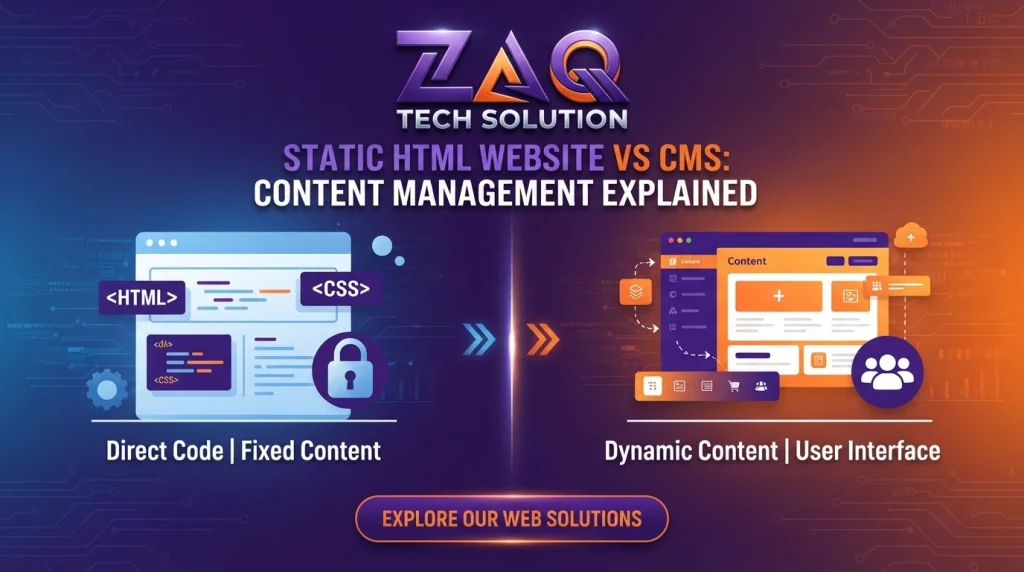
A static website delivers the exact same HTML file to every visitor until a developer manually changes it. Nothing is generated on the fly.
What is a CMS?
A CMS (Content Management System) like WordPress stores content in a database and assembles each page dynamically when requested, allowing non-developers to add or edit content anytime.
Key trade-off
| Static HTML | CMS (WordPress) | |
| Who can edit content | Developer only | Anyone with dashboard access |
| Update frequency suited for | Rarely changing content | Frequent updates, blogs, listings |
| Server load | Minimal | Higher (database queries) |
| Flexibility for e-commerce, memberships | Limited without custom build | Strong, plugin-supported |
Bottom line: if your content changes weekly (offers, blog posts, product listings), a CMS saves you from calling a developer every time. If your content is essentially fixed — an “About,” “Services,” and “Contact” page — static HTML avoids CMS overhead entirely.
Custom Website vs WordPress Cost Comparison
Upfront cost
WordPress websites are generally cheaper to launch because themes and plugins reduce development time. Custom HTML sites typically cost more upfront because every element is hand-built rather than assembled from pre-made components.
The cost most people forget: 3-year total ownership
| Cost Type | WordPress | Custom HTML |
| Initial build | Lower–Moderate | Moderate–Higher |
| Hosting | Moderate (needs more resources) | Lower (lightweight files) |
| Plugin licenses/renewals | Recurring | None |
| Security monitoring/updates | Ongoing, necessary | Minimal |
| Redesign/content changes | Often self-service | Needs developer time |
| 3-year estimated total | Can equal or exceed HTML | Often lower if content is stable |
Why this matters
A lot of businesses choose WordPress purely because it looks cheaper on day one, then spend more over three years on plugin renewals, security patches, and performance fixes than they would have on a lean custom-coded site. The right comparison isn’t launch cost — it’s total cost of ownership against how often you’ll actually need to update the site.
Security Comparison: Which Is Safer?
WordPress powers such a large share of the web that it’s a constant target for automated attacks — mostly through outdated plugins and themes, not WordPress core itself.
Custom HTML sites have a smaller attack surface simply because there’s less software running: no database to inject into, no plugin ecosystem to exploit, no login panel to brute-force.
Practical guidance:
- If you choose WordPress, keep core, themes, and plugins updated, use strong admin credentials, and install a security plugin (Wordfence, Sucuri).
- If you choose custom HTML, security work is minimal, but you still need HTTPS, secure hosting, and regular backups.
Website Visibility for AI Search Engines (The GEO Factor)
Why this section matters more in 2026 than ever before
Search behavior is shifting. People are increasingly asking ChatGPT, Gemini, Perplexity, and Claude for recommendations instead of scrolling through ten blue links. This is called Generative Engine Optimization (GEO) — optimizing your content so AI systems can read, understand, and cite it.
What is GEO (Generative Engine Optimization)?
GEO is the practice of structuring website content so AI search tools can accurately extract facts, answer questions, and cite your business as a source — the AI-era equivalent of traditional SEO.
Why JavaScript-heavy WordPress themes can be invisible to AI crawlers
Many modern WordPress themes and page builders render large portions of content using JavaScript. Some AI crawlers and answer engines fetch raw HTML without fully executing JavaScript, meaning content that only appears after a script runs can be missed entirely — the AI simply never “sees” it.
Why clean HTML has a natural GEO advantage
A well-structured custom HTML page delivers its full content directly in the initial HTML response. There’s no rendering delay, no dependency on JavaScript execution, and no plugin-injected markup to confuse a crawler. That makes the content immediately and completely accessible to AI systems.
How to make WordPress AI-crawler-friendly
You don’t have to abandon WordPress to fix this — you need to build it correctly:
- Choose lightweight, semantic-HTML themes over heavy visual page builders
- Enable server-side rendering of critical content (avoid lazy-loading text)
- Use clear heading hierarchy (H1 → H2 → H3) so AI can parse structure
- Add structured data (schema markup) for FAQs, articles, and products
- Keep core content out of iframes, sliders, or JS-only widgets.
Expert tip: Whichever platform you choose, test how your site actually renders by viewing its raw HTML source (Ctrl+U in most browsers) — not just the visual page. If your key content isn’t in that raw source, an AI crawler may be missing it too.
Decision Framework: Which Platform Should You Choose?
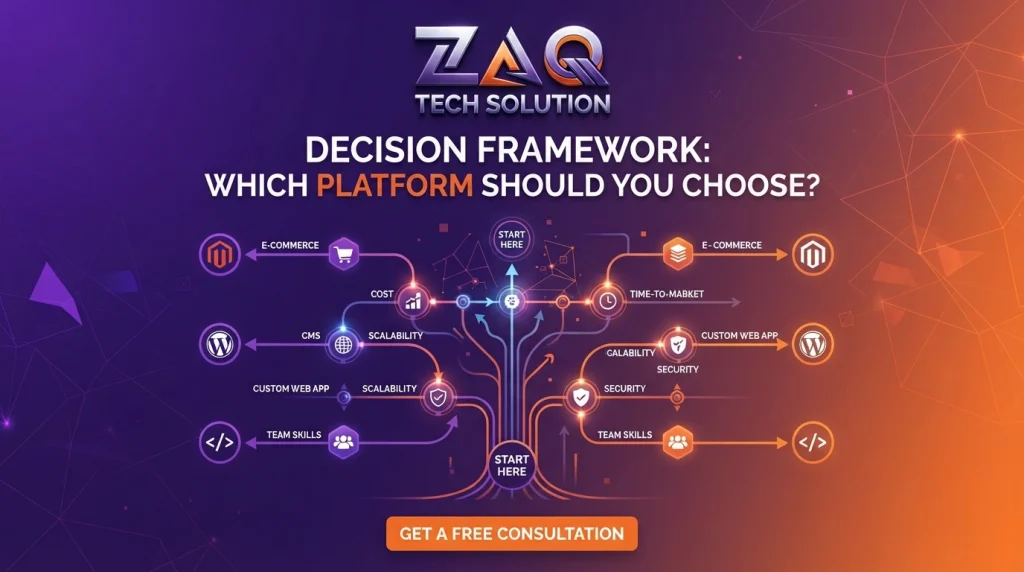
Use this simple framework instead of guessing.
Choose WordPress if:
- You plan to publish 10+ articles or updates per month
- You need daily, self-service content editing without a developer
- You’re running or planning a large product catalog or e-commerce store
- Your team includes non-technical staff who manage content
- You need built-in flexibility for future features (memberships, forums, booking systems)
Choose Custom HTML if:
- Your site is a simple, focused structure of 5–15 pages
- Speed is mission-critical (Lighthouse scores of 95+ required)
- SEO and AI visibility need to be perfect from day one
- Content rarely changes once published
- You want the smallest possible security footprint.
Choose a hybrid approach if:
Many of our clients at ZAQ Tech actually land here — a fast, static-style front page and service pages built with clean custom code, paired with a lightweight WordPress blog section for ongoing SEO content. This combines HTML’s speed with WordPress’s publishing convenience.
Best Website Type for Small Business — Our Recommendation
For most small businesses just establishing an online presence, we generally recommend starting with custom HTML or a lightly-built WordPress site if:
- You have under 15 pages
- You want fast load times to support local SEO and Google Business Profile visibility
- You’re not planning to blog frequently yet.
We recommend WordPress once you know content marketing, blogging, or e-commerce is part of your growth strategy — the flexibility pays off as you scale.
The honest answer: the “best” platform is the one matched to your update frequency, technical comfort, and growth plans — not the one with the loudest fanbase online.
Expert Tips Before You Decide
- Audit your update frequency first. If you’ll touch the site less than once a month, don’t pay for CMS flexibility you won’t use.
- Ask who will make future edits. No in-house developer? Lean toward WordPress. Have a dev on retainer or an agency partner? Custom HTML becomes far more practical.
- Don’t confuse “cheaper to start” with “cheaper overall.” Run the 3-year cost math, not just the launch invoice.
- Test both platforms’ speed before committing — ask any agency you’re evaluating for live Lighthouse scores from real projects, not marketing claims.
- Plan for AI visibility now, not later. Whichever platform you pick, insist on clean semantic HTML output and structured data — this is quickly becoming as important as traditional SEO.
- Match the platform to your growth stage, not your current size alone — a startup planning to scale into e-commerce should think two years ahead, not just at launch.
If you’re weighing this decision alongside a bigger technology roadmap, it’s worth reading how to know when your business actually needs custom software development versus off-the-shelf tools, and our detailed breakdown of custom software vs. off-the-shelf software — the same build-vs-buy logic applies to your website platform choice. If you’re also planning a companion mobile app, our comparison of Flutter vs React Native for mobile app development covers that decision in the same practical way.
FAQs
Q1: Is WordPress better than HTML for SEO?
A: Neither platform is inherently better for SEO. Google ranks based on content quality, speed, and technical health — both WordPress and custom HTML can achieve strong rankings when built and optimized correctly.
Q2: Is a custom HTML website more expensive than WordPress?
A: Custom HTML usually costs more upfront, but WordPress can cost more over 3 years due to plugin renewals, hosting demands, and ongoing security maintenance — so total cost depends on your update frequency.
Q3: Which loads faster, WordPress or HTML?
A: Custom HTML websites generally load faster because they skip database queries and plugin overhead. A well-optimized WordPress site can approach similar speeds, but it requires deliberate caching, a lightweight theme, and image optimization.
Q4: Can I edit a custom HTML website myself?
A: Not easily. Custom HTML requires code knowledge to edit, so most businesses rely on a developer for updates — unlike WordPress, which offers a visual, non-technical dashboard.
Q5: Is WordPress secure enough for a business website?
A: Yes, if maintained properly. WordPress security risks mostly come from outdated plugins and themes, not the core software — regular updates and a security plugin significantly reduce risk.
Q6: Which platform is better for AI search visibility (ChatGPT, Gemini, Perplexity)?
A: Clean, semantic HTML is naturally easier for AI crawlers to read because content loads directly without JavaScript rendering delays. WordPress can match this, but only with lightweight themes and server-side rendering — heavy page builders often hide content from AI crawlers.
Q7: How many pages should a small business website have?
A: Most small businesses need between 5 and 15 core pages — Home, About, Services, Portfolio, and Contact — before expanding into blog content or product catalogs.
Q8: Should I switch from WordPress to custom HTML, or vice versa?
A: Switch to custom HTML if your content is stable and speed has become a problem. Switch to WordPress if you’re publishing content often enough that developer-dependent edits are slowing your business down.
Conclusion
There’s no universal winner in the WordPress vs custom HTML debate — only the right fit for how your business actually operates. If you publish often and need flexibility, WordPress earns its popularity. If you need a lean, fast, security-tight site with a fixed structure, custom HTML is hard to beat.
At ZAQ Tech, we build both — which is exactly why we don’t have a sales incentive to push you toward one over the other. We look at your content plans, growth stage, and speed requirements first, then recommend the platform that actually serves your business, not our preference.
Not sure which fits your business? Talk to our web development team for a free platform assessment based on your actual goals, not a generic recommendation.
Pingback: Website Development Cost in Pakistan (2026 Guide)
Pingback: How to Start an Online Store in Pakistan (2026 Step-by-Step Guide)